
Renovate with Figma (and AI)
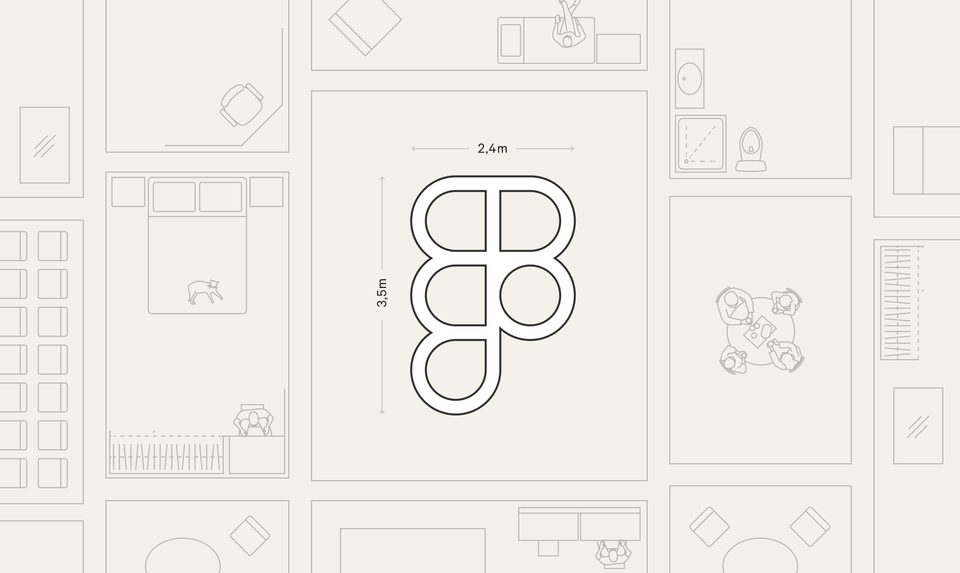
If you're lucky enough to have your own home, or at least a flexible landlord, you may be familiar with the concept of renovating.
Renovations rarely starts with a sledgehammer though, they start with a plan. And what better way to start planning than in your familiar, everyday design software? Let's look at some tips for using Figma for renovation:
Floor plan
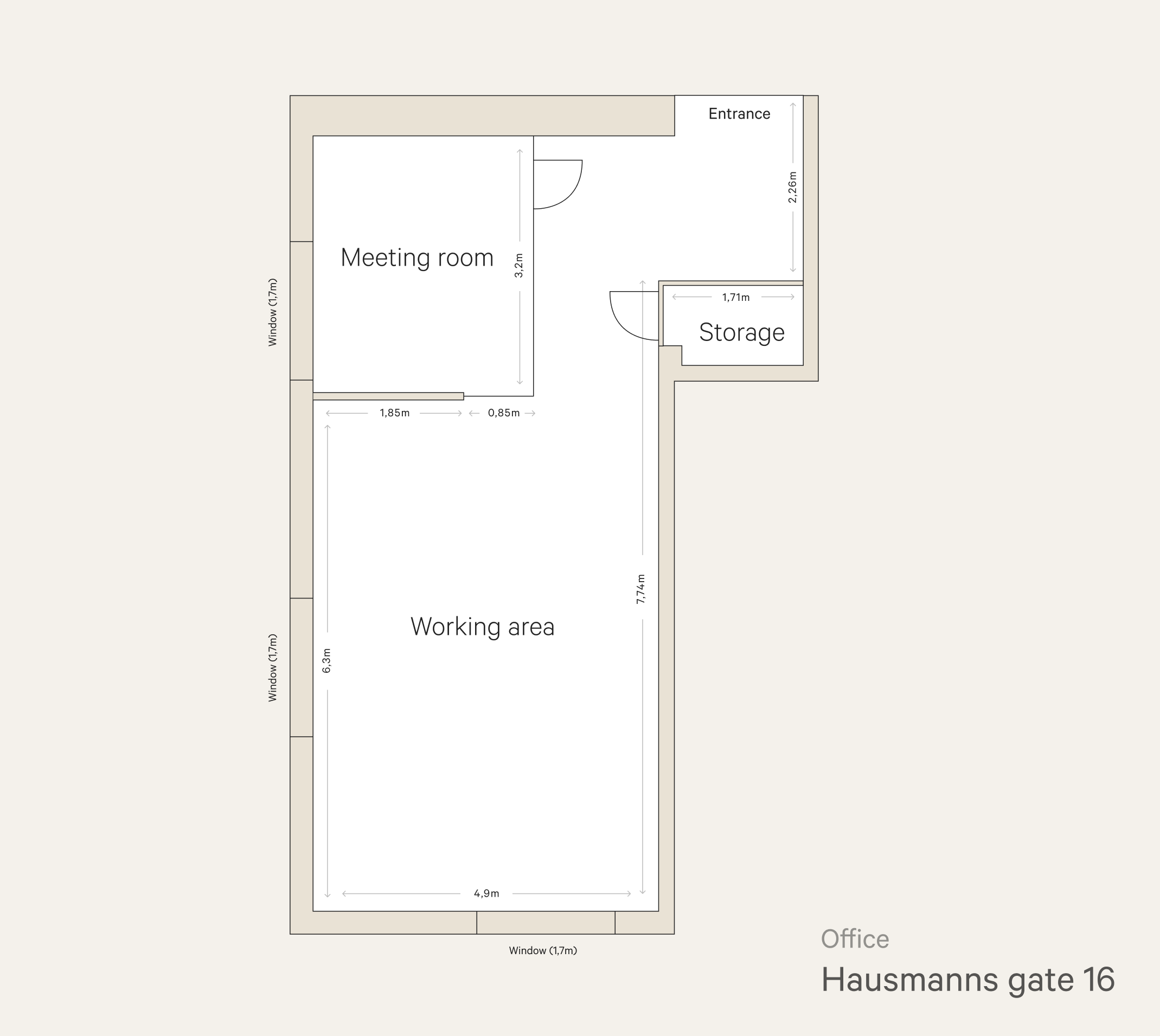
I love using Figma for floor plans! My architect neighbors might find this silly, but hear me out.
Take some measurements of the room, decide that 1 pixel in Figma equals 1 cm (or inch) in real life, and draw it out.
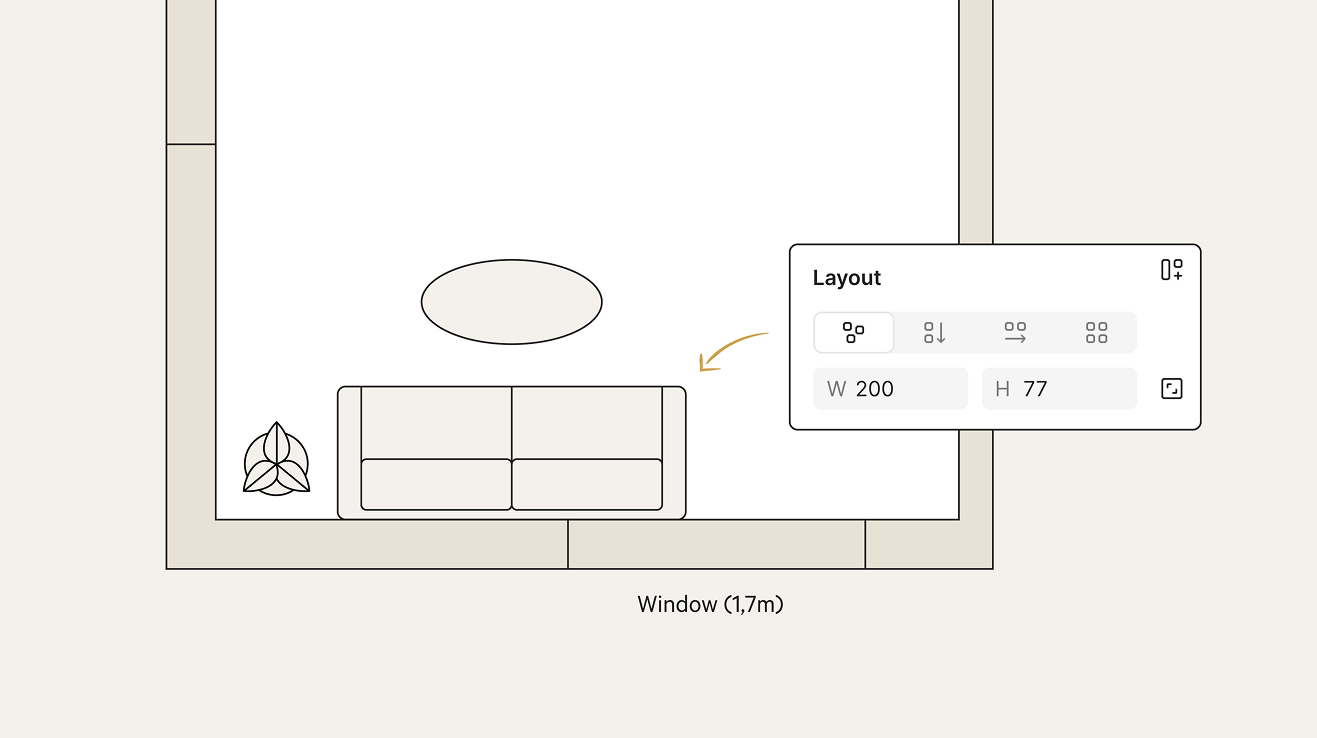
Suddenly, you’ve got a custom floor plan, and a powerful tool for testing whether things actually fit. As long as both the room and the furniture are drawn to scale (1px = 1cm or inch), you can play around with layouts and instantly see what fits into your room.
Go treasure hunting online

The vast internet has loads of nice elements to bring your floor plan to life.
A search for “floor plan” on iStock or Creative Market will give you thousands of results, from useful building blocks (chairs, tables) to inspiring examples of how things can look.
Or check out Dimensions.com. It’s a massive collection of architectural objects: from iconic design chairs to… Jon Snow in vector format? Either way, ready-made assets are incredibly useful here and slot nicely into your Figma floor plan.
There’s also a Figma-inspired service called Rayon that’s specifically geared toward architecture and interior design. My first impression, after playing around with it for about two minutes, is very positive. Definitely worth checking out if you want to take your floor plans to the next level and have room for one more (niche) tool in your toolbox.
Moodboard
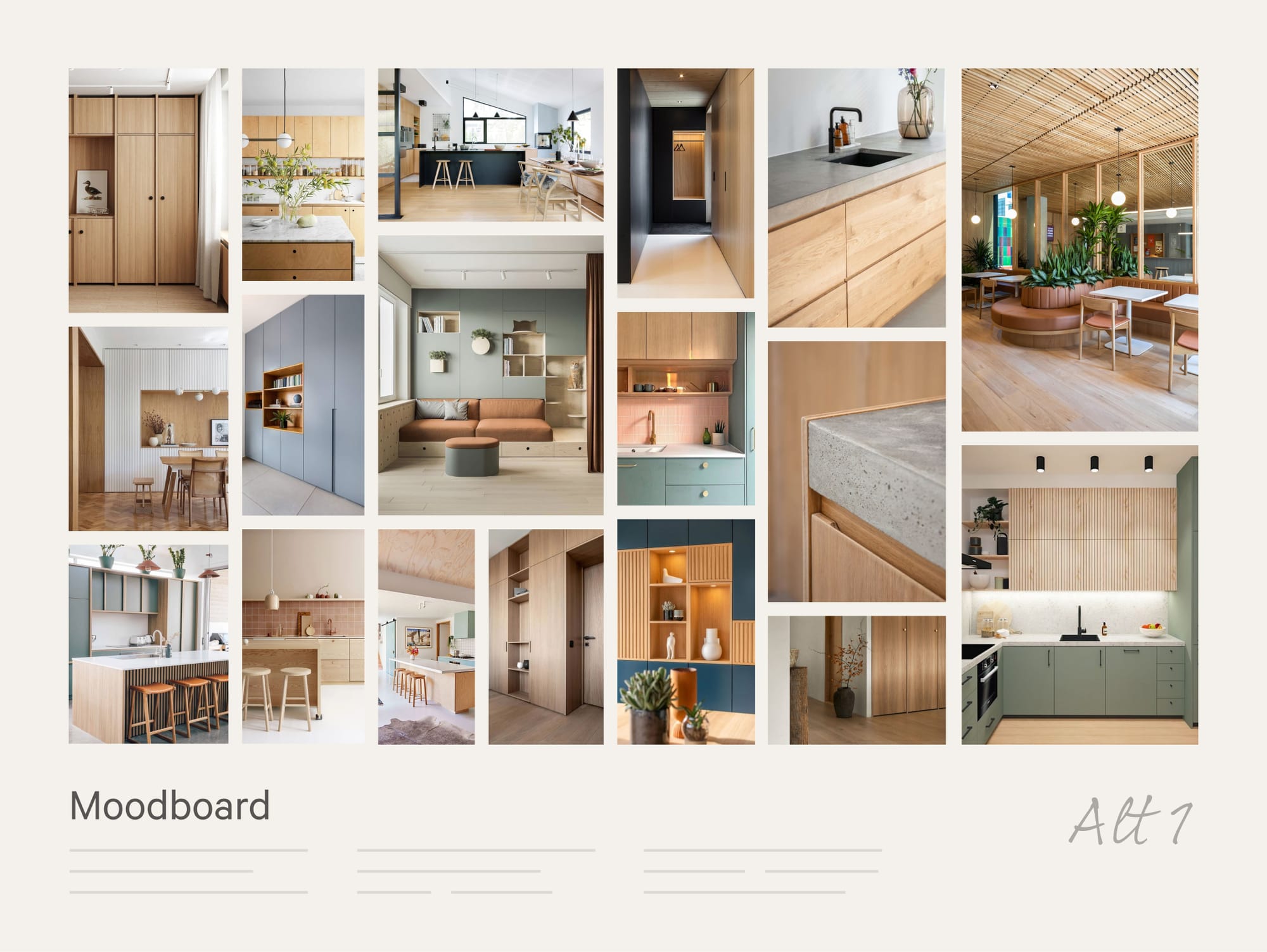
Even though Paula Scher advises against moodboards, I think they serve a purpose, especially in this case. And Figma is great for making them.
Throw your reference images into a nice mosaic and set the image mode to Fill (not Crop) by double-clicking them. That way, you can stretch and reshape an image without distorting its proportions. This also works for several images at once, like when you select the entire image mosaic and resize it.
This very feature is something you can only dream of pulling off in Photoshop or Illustrator.
Visualize with AI
Let's go photorealistic with these plans! As with any attempt of using generative AI for images these days (May 2026), this is a territory of both excitement and frustration. I took a sketch of my own bedroom from a few years ago, and set out to create a photorealistic viz.
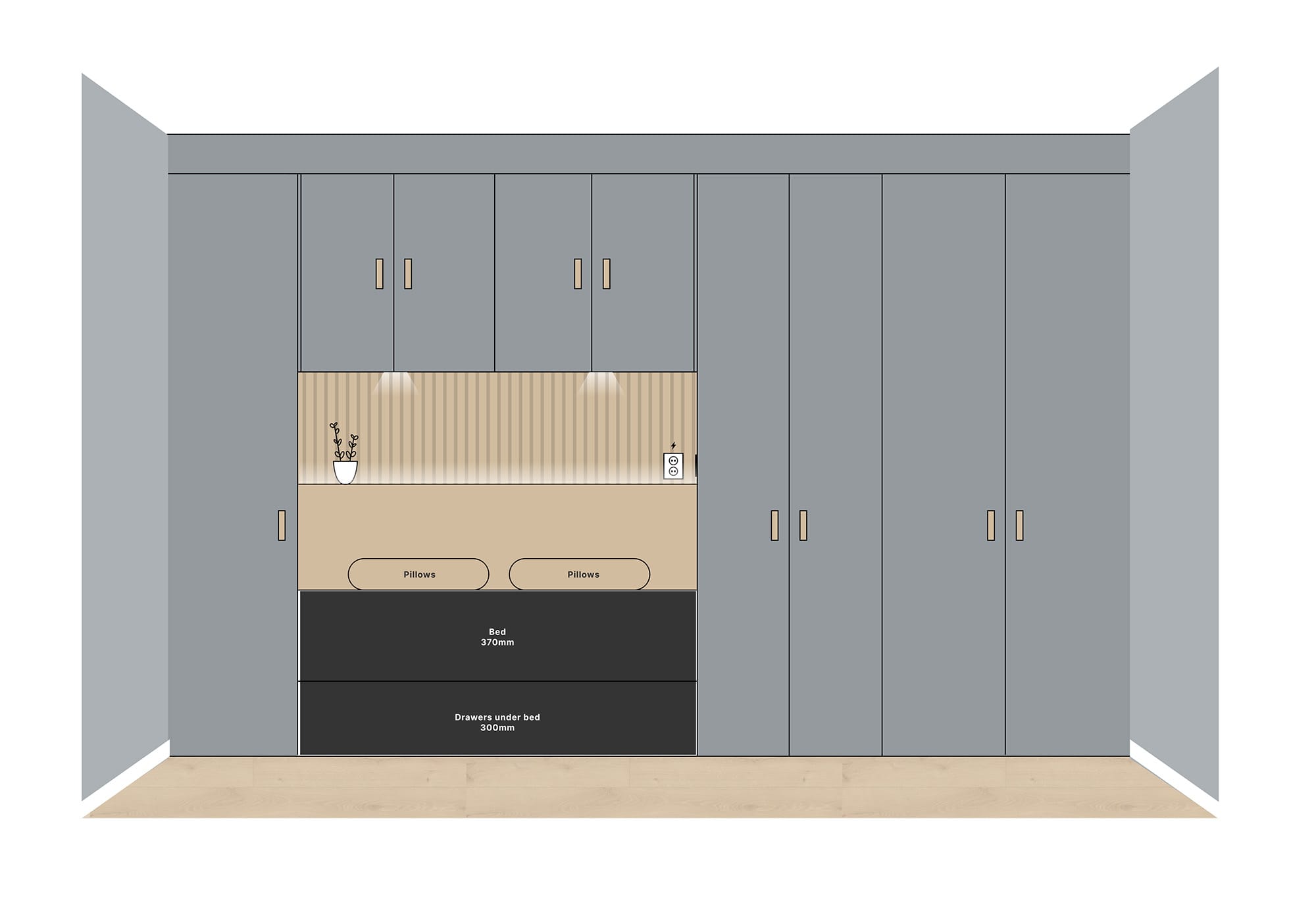
I fed Gemini with the sketch above, with the simple prompt "turn this sketch into a photorealistic interior visualization of a modern room. Get rid of all text, and make sure the beige is oak wood". You can do this directly in Figma, but I chose to use the web version of Gemini to keep the history and set it up for tweaks.
I'll be honest and say that it botched it a couple of times before landing on something good, that still needed a few iterations to iron out some kinks.
After 3 rounds in the chat dialogue, a little generative and content-aware fill in Photoshop, and a round of upscaling in Topaz Photo, I was able to land on something decent. The power socket looks like that bricky iPod from the old days, but what the hell. I'll leave it in and consider this a success.
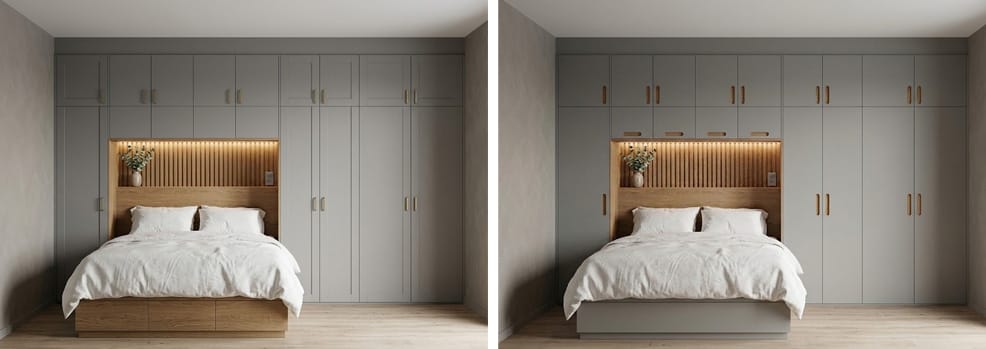
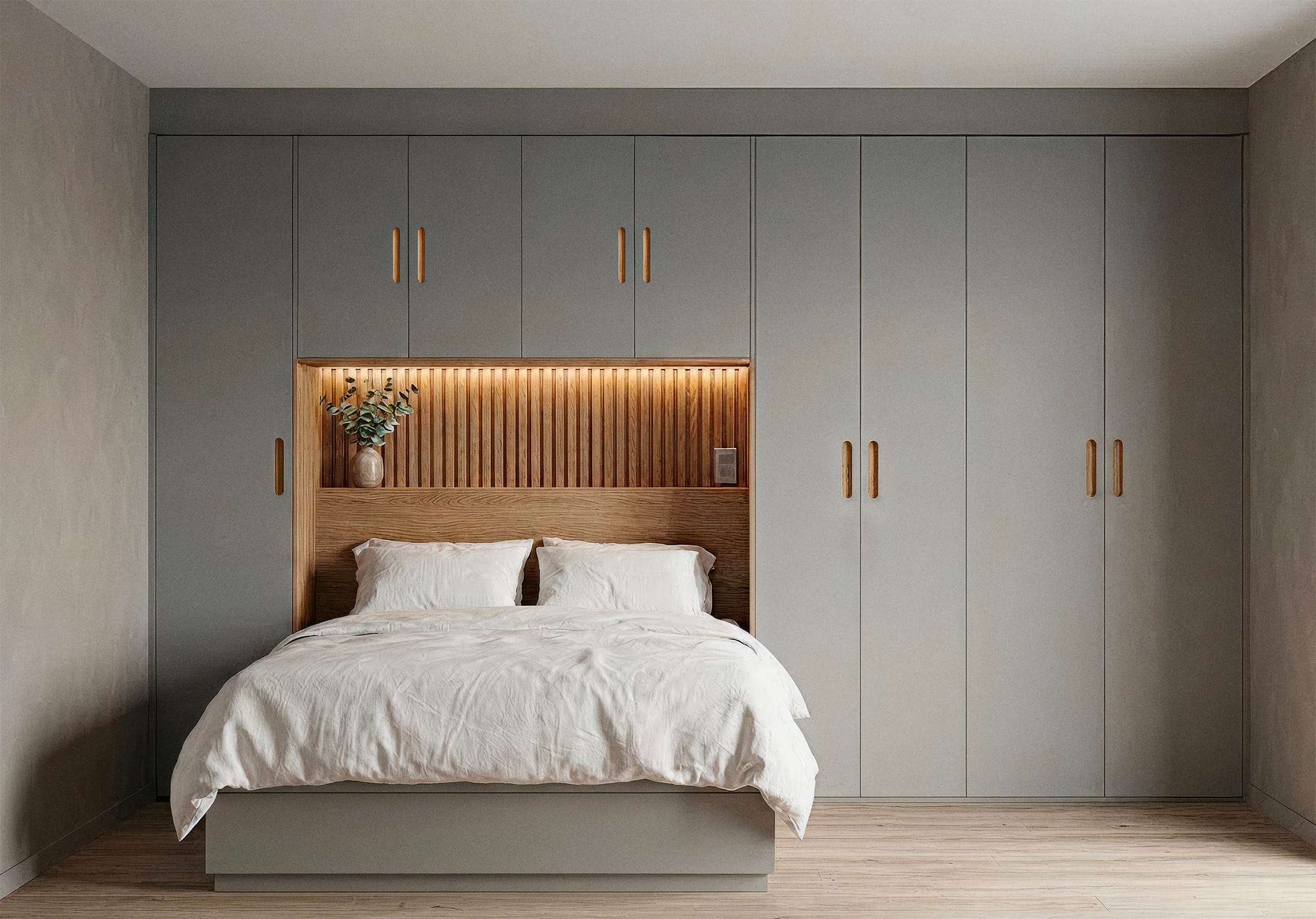
This is a giant leap from where generative images started, but it still lacks the fine grained control I would want for this to actually be a tool I trust and enjoy using. Each time I prompt for a change, I'm nervous it'll mess up badly or just change things I didn't ask for. The waiting time is also a bit of a hurdle if I'm gonna keep my state of flow in this process, but I'm optimistic of things to come.
Flex some design muscles
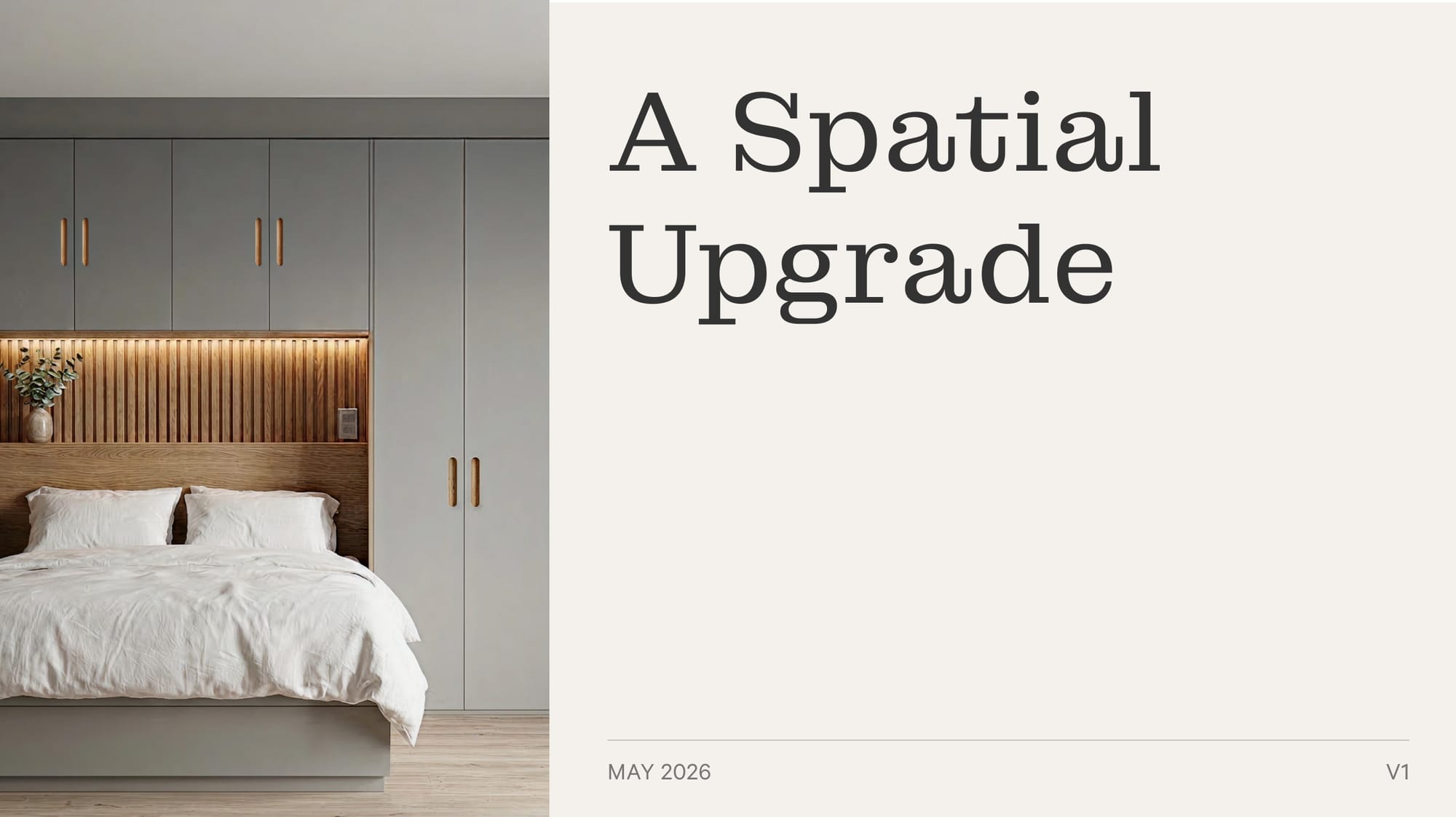
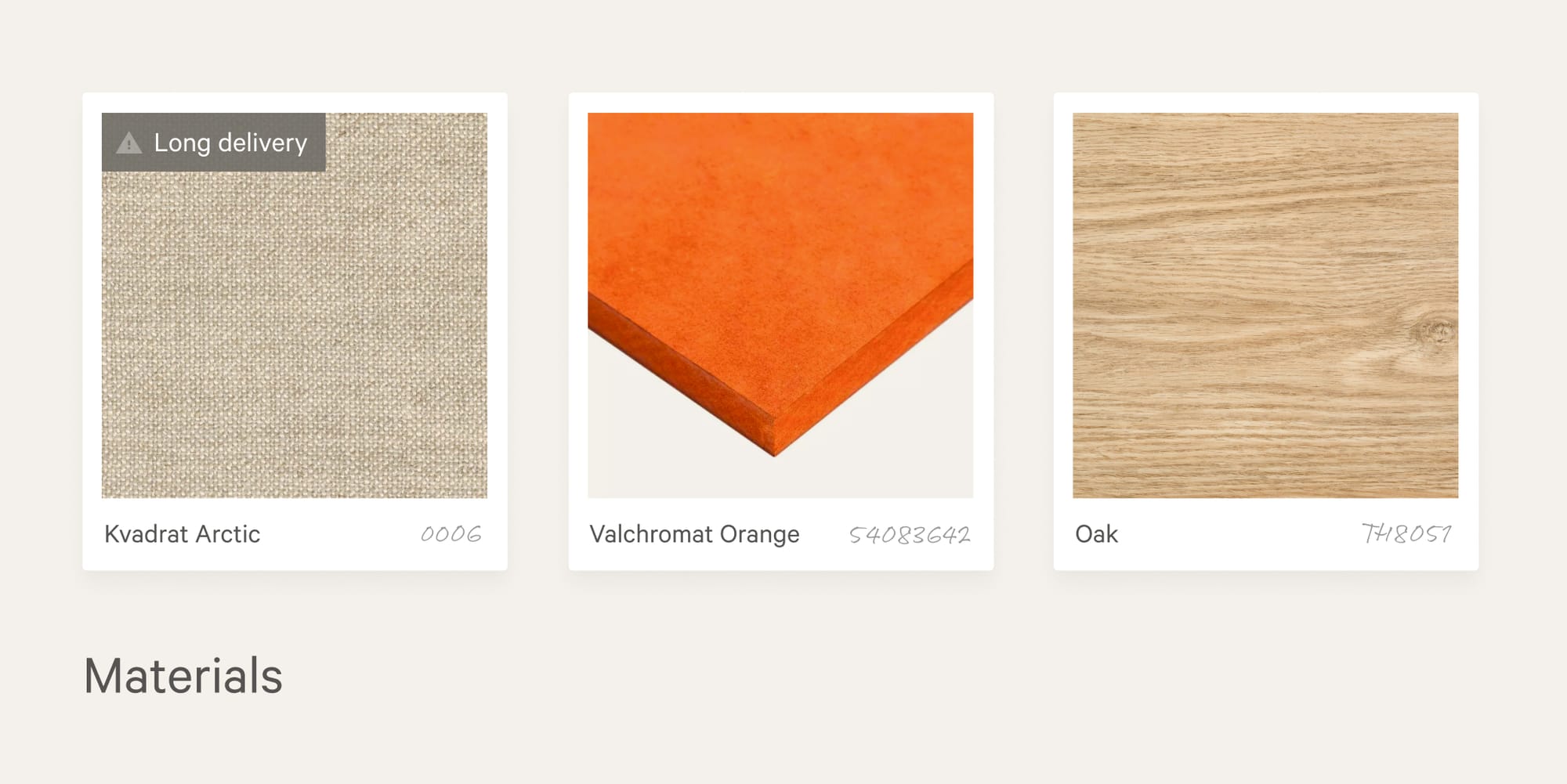
Once you’ve landed on a plan, why not pull out a couple of tricks from your day job as a designer? Use whitespace, pay attention to your design elements, be deliberate with typography, and wrap it all up in a Figma-based presentation. That way, you’ve maximized your chances of getting your client/partner/renovation buddy on board with your vision.
Conclusion
If you already spend your days in Figma, I think you'll be hard pressed to find a more effective tool for planning your renovation. You get an infinite canvas, solid drawing tools, great image support, and even built-in AI tools. Give it a try, and be sure to send me your best tips.
This post was featured in the (awesome) newsletter Sidebar on May 13th